
Developer Mode
Introduction
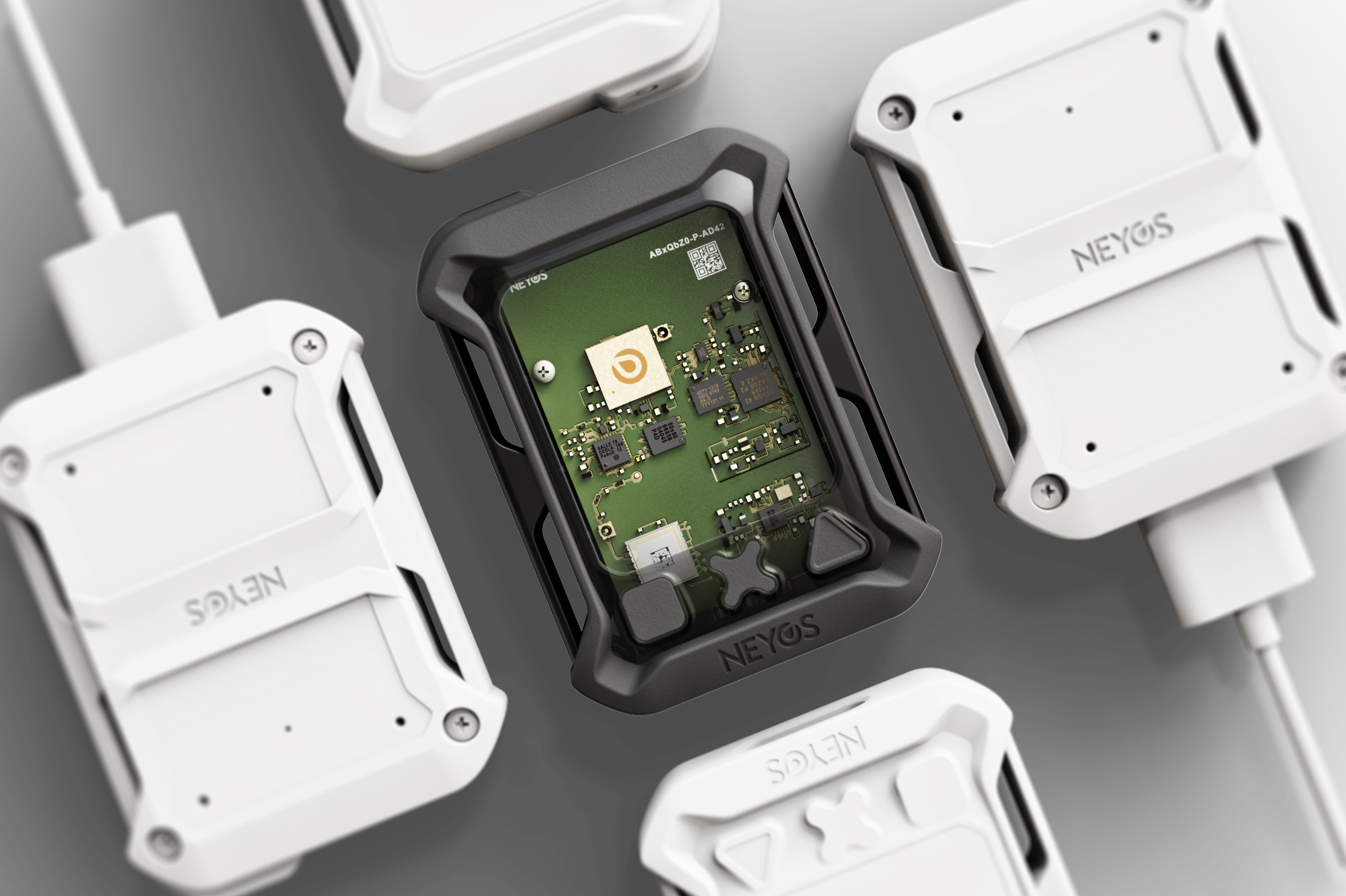
Developer Mode allows developers and technical partners to interact directly with Neyos trackers via a command-line interface. This mode provides low-level access for diagnostics, advanced configuration, and testing.
Prerequisites
Hardware
Software
Two options are available to access the tracker terminal:
Local serial terminal
Software: Tera Term, PuTTY, screen, minicom, cu
Advantages:
- Direct connection to your physical tracker
- Offline access, no internet connection required
Required: Developer cable + tracker

Neyos online terminal
Advantages:
- No configuration (baudrate, port, etc.)
- Command suggestions
Required: Same + browser
Terminal connection
Local serial terminal
If you are using a local serial terminal (PuTTY, Tera Term, screen, etc.), configure the connection settings:
# Connection settings
Terminal : Serial mode
Baudrate: 115 200
Data bits: 8
Parity: None
Stop bits: 1
Flow control: None
Procedure:
- Connect the developer cable to your computer
- Open your serial terminal and apply the configurations above
- Turn on the tracker and connect it
Online terminal
If you are using the Neyos online terminal (platform.neyos-equipment.com), no configuration is required. The terminal is ready to use.
Connection verification
Once connected (local or online terminal), test the communication:
# Test command to verify connection
$ uart : Hello OTRAC
< Hi there
- Local terminal: Native autocompletion that queries the firmware directly
- Online terminal: Automatic suggestions while typing based on a pre-registered list