
Neyos Platform
Introduction
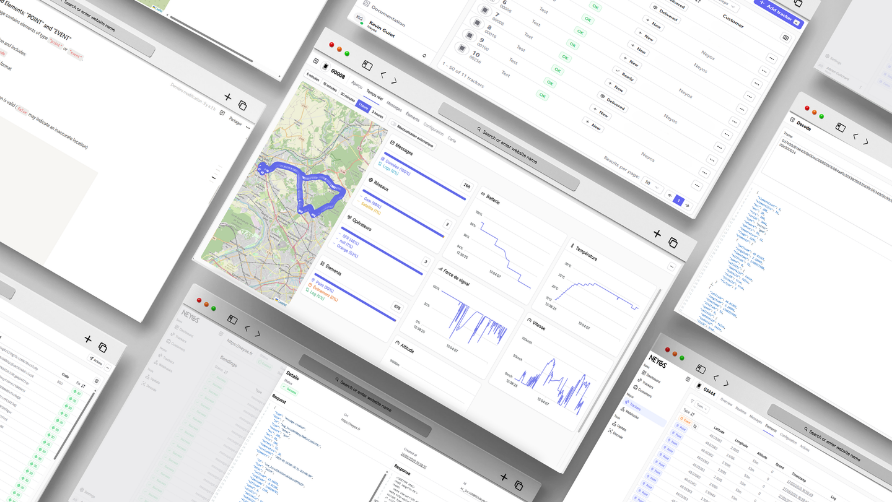
The Neyos platform provides an operational dashboard, remote configuration and simplified billing for your trackers.
Available in French and English, it provides immediate onboarding for your teams, without additional development. Each feature can be progressively integrated into your business applications with additional development through webhooks and API.
When to use it?
- Start without coding: immediate deployment, non-technical teams autonomous.
- Pilot / pre-integration: validate usage before connecting your business tools.
- Regular use: daily supervision and settings, even with API integration in parallel.
What you can do
- Supervise: status, connectivity (cellular/satellite), battery, messages and events in real-time.
- Configure: operating profiles, send frequencies, alert scenarios, remote restart.
- Manage: user accounts, permissions, billing.
- Route: webhook creation and routing to your systems, without writing code.
- Audit: detailed log (latency, webhook errors, short history).
First steps after activation
Your tracker is activated: you can now find it in the platform. Here's how to navigate and understand the first interfaces.
The home screen, two main areas:
- Side menu: quick access to key features (Trackers, Messages, Webhooks, Updates).
- Central area: dynamic content (tracker list, message details, settings).
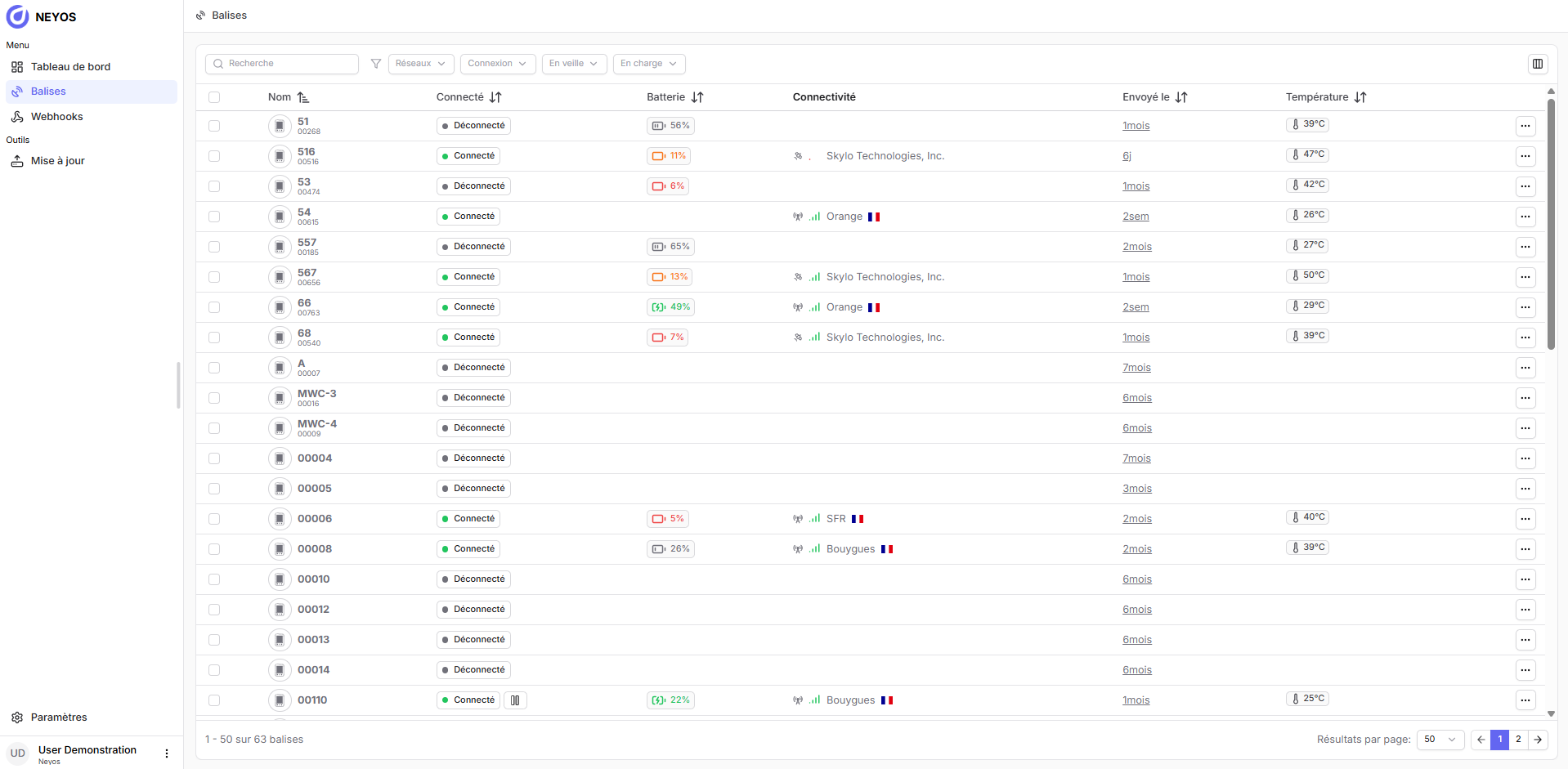
The platform is available in French and English. You can change the language at any time via the selector located at the bottom of the side menu.
The left side menu is the heart of navigation: each tab corresponds to a key function of the Neyos platform.
- Trackers
- the list of all your active or sleeping trackers,
- their real-time status (connection, battery, temperature, operator...),
- received messages (GPS points, events, logs),
- configuration settings,
- consumption tracking,
- and summary dashboards.
- Webhook
- create one or more webhooks,
- track request status (success, error, latency),
- view the detail of transmitted content.
What's next?
You have activated your tracker and discovered the Neyos platform. You can already view your equipment, track their status and see their messages.
The next step is to customize your tracker to adapt it to your use:
- Define the send frequency,
- activate your first alert scenarios,
- manage connectivity
- ...
- The platform gives you a real-time technical view of your trackers.
- You can at any time view the status, modify settings, supervise messages and redirect data.
- Data is raw, therefore easily usable in your business applications.